Tapo Robot Vacuum for Home Assistant
Local-only control of TP-Link Tapo robot vacuums (RV20, RV30 Max Plus, RV30C, RV50 and relatives), with a live map card bundled in. No cloud, no extra downloads.
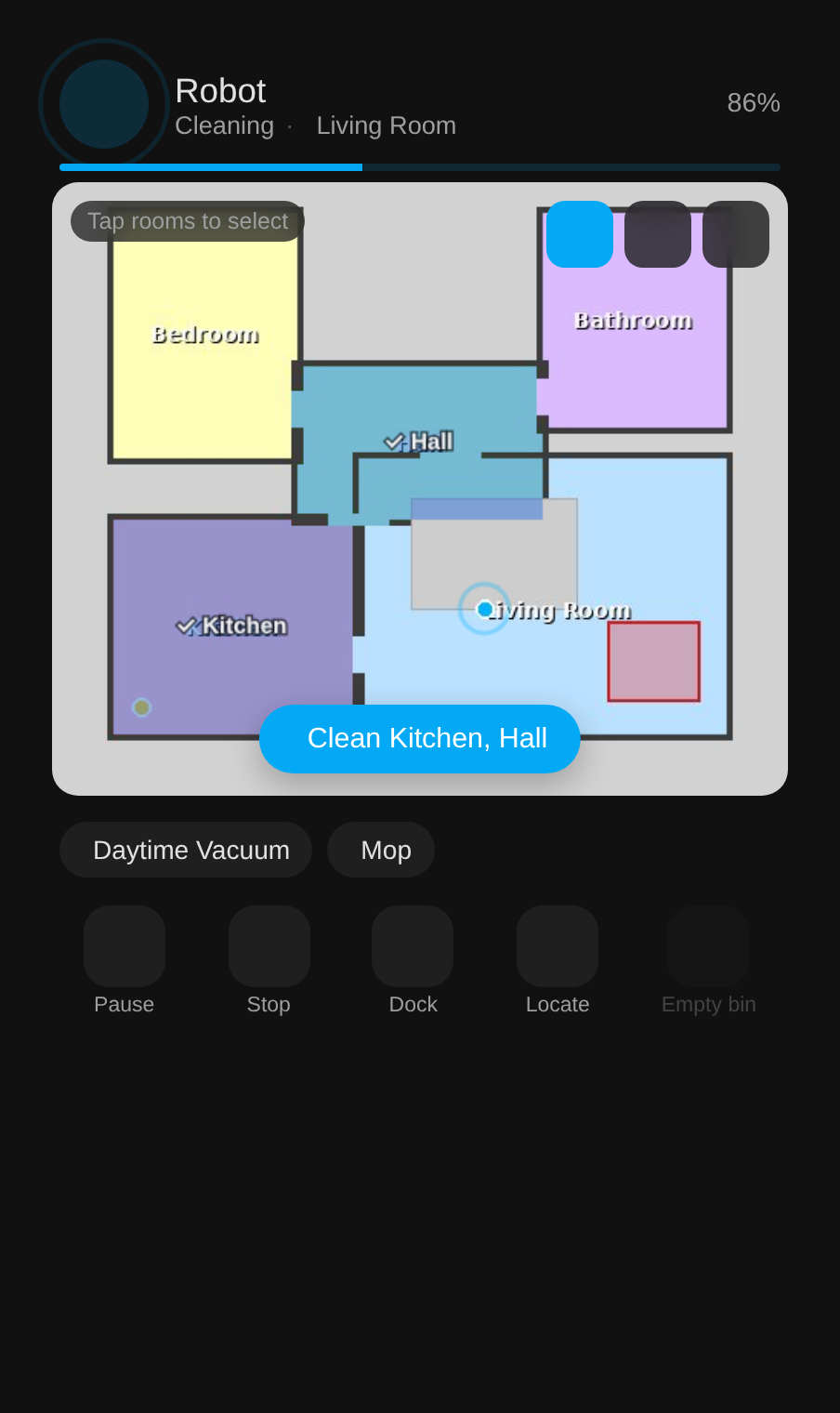
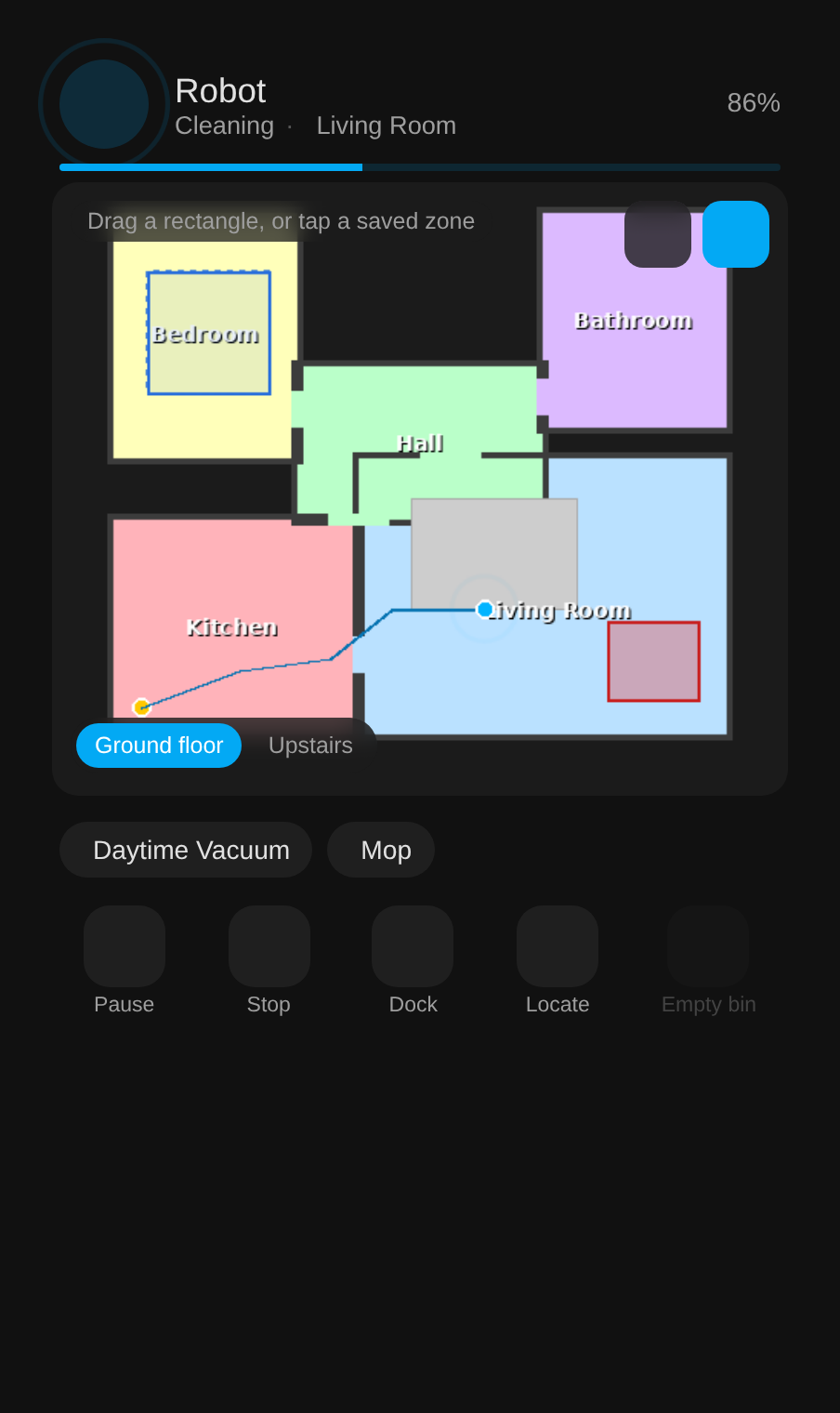
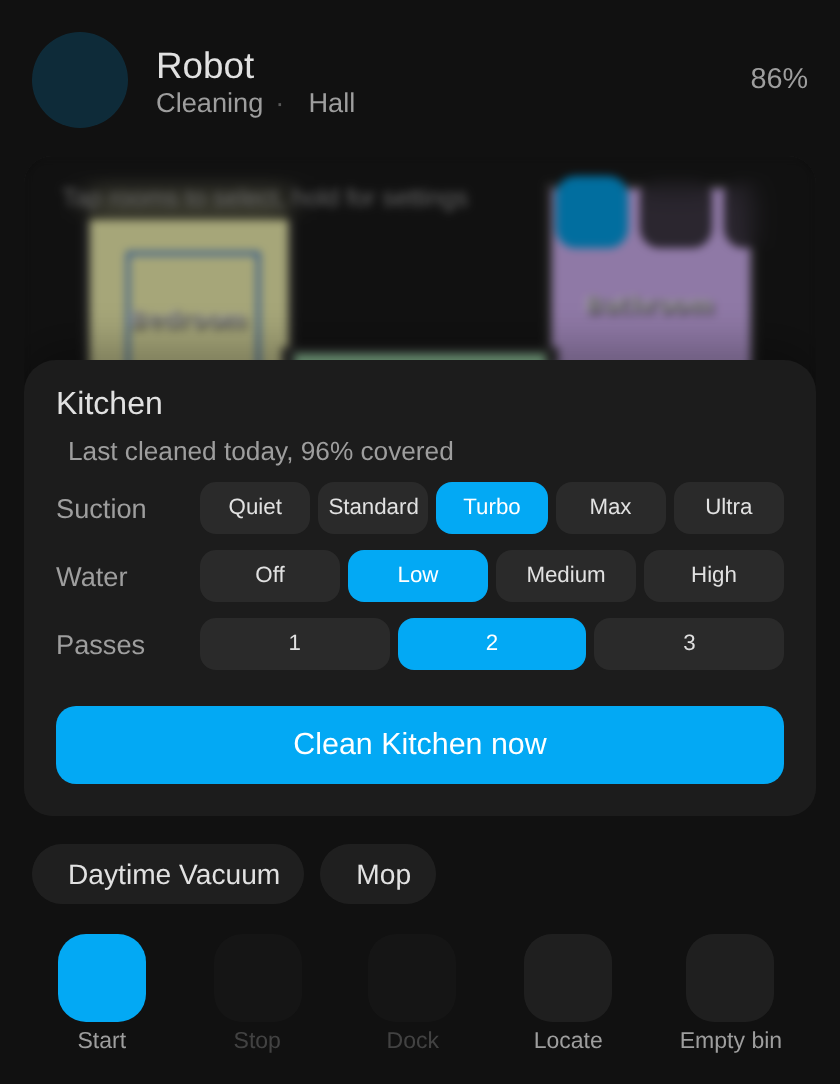
Mock-ups with a made-up house. More of the card, including the status panel and the go-to tool, on the card and dashboards.
What is where
- Getting started: what you need, install, options, updates, supported models.
- The planner: keeps rooms clean by how long ago they were done, around the people and sensors in the house.
- The sidebar page: map, schedules editor, history, rooms, drive, map editor, maintenance, settings.
- The card and dashboards: card options, map modes, the one-line dashboard.
- Voice and automations: Assist sentences, device triggers, blueprints.
- Entities: everything the integration creates, by platform.
- Services and events: every service with its fields, the events, and the Xiaomi map card calibration.
- Matter: pairing state, setup code, the pairing window and why the code does not change.
- Map backup and recovery: restore a whole map backup to the robot locally, save and re-apply your no-go zones, walls, carpets and room names, and keep local copies of your cloud backups.
- Protocol notes: what the robot answers locally, learned from live traffic and the Tapo app, including the warning about probing a working robot.
- Troubleshooting: symptoms, causes and fixes for the usual problems.
Elsewhere
- Changelog: every release, newest first.
- Contributing: reporting bugs and working on the code.
- Issues and the source on GitHub.